Jobs: Create employees comparison
About Course
After creating a new job vacancy and managing the properties and filters, the “Candidate Comparison” feature is another efficient tool. It enables the creator of a job vacancy to compare applicants in order to have a better overview of who would be the best fit for this job.
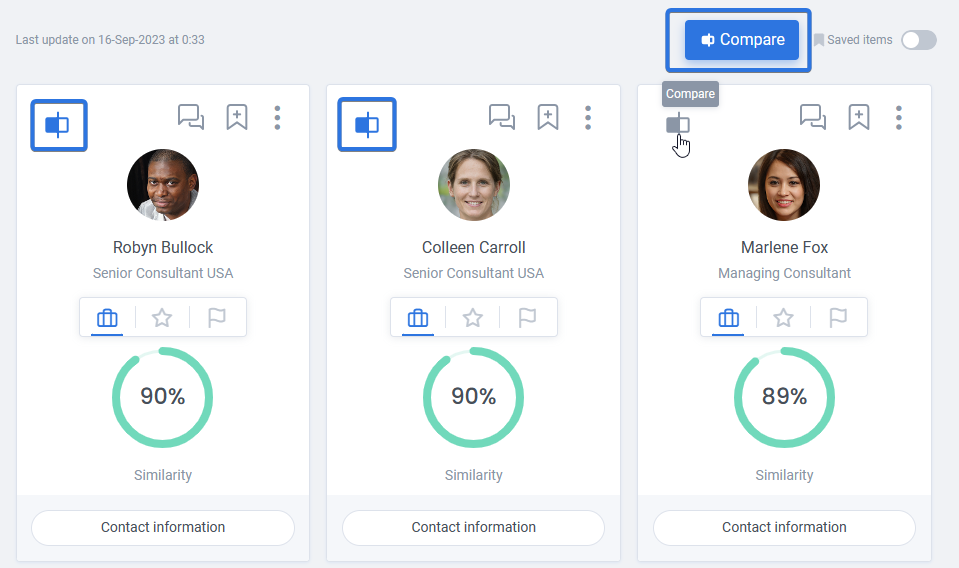
To access this tool, while viewing the recommended candidates, you can easily use the comparison icon on candidate cards to select the candidates and then click on “Compare” button to see their comparison.
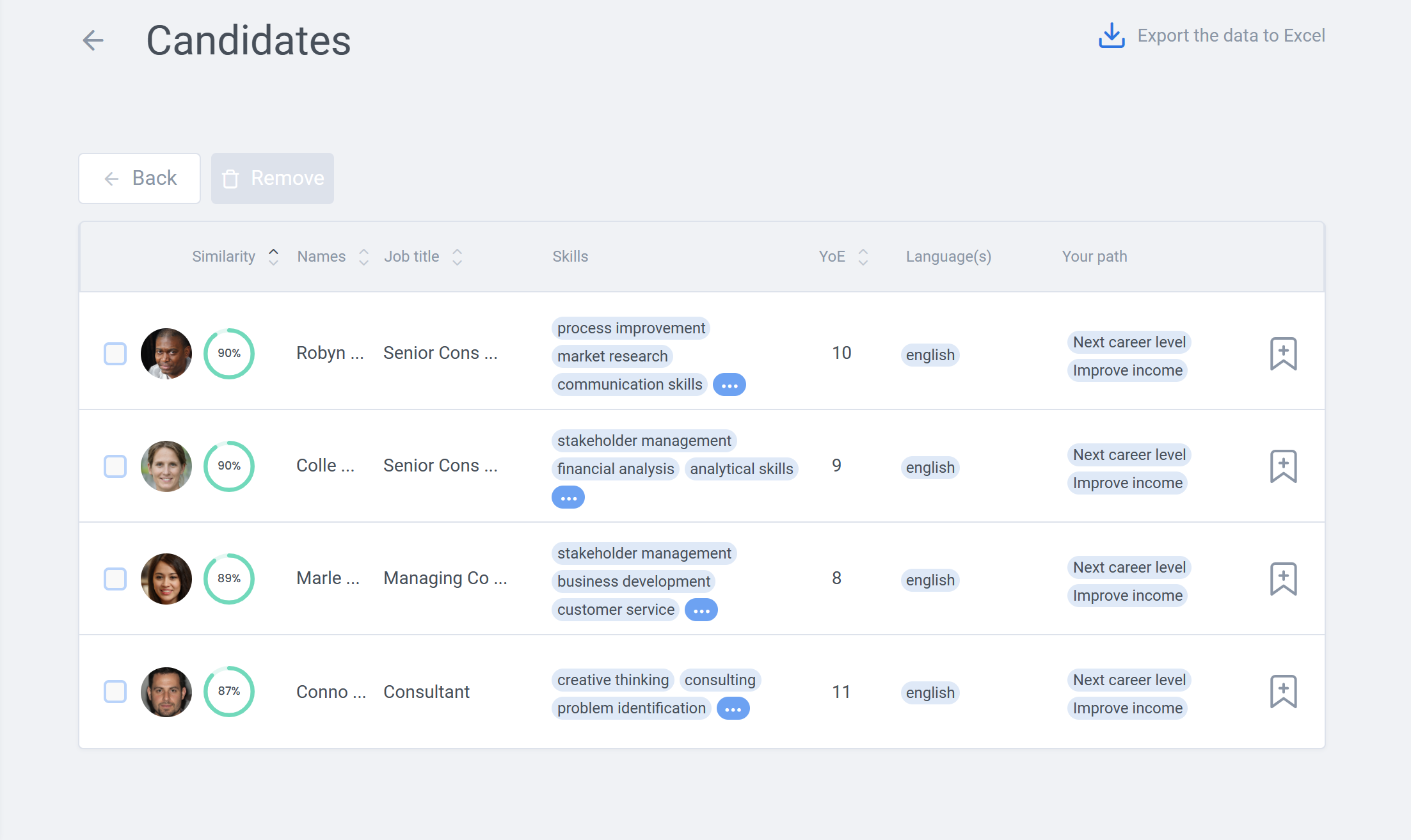
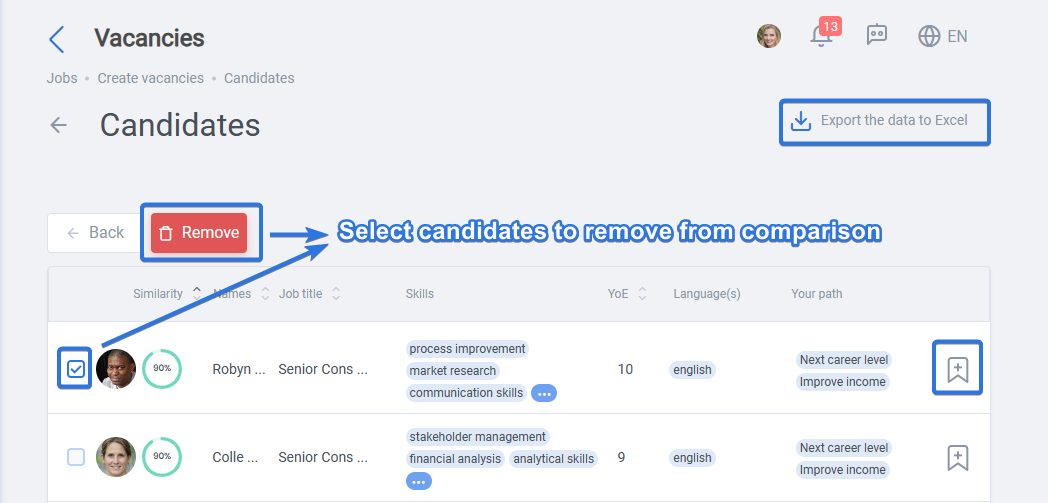
After clicking on “Compare” button, you will be moved to a new page, where you can compare main information of the selected candidates, bookmark them, export their data to Excel, or choose the ones you want to remove.
In order to rank higher in the comparisons for preferred jobs, it is beneficial to include appropriate skills and keep the path in the profile preferences up to date.