Data import: photo uploader
About Course
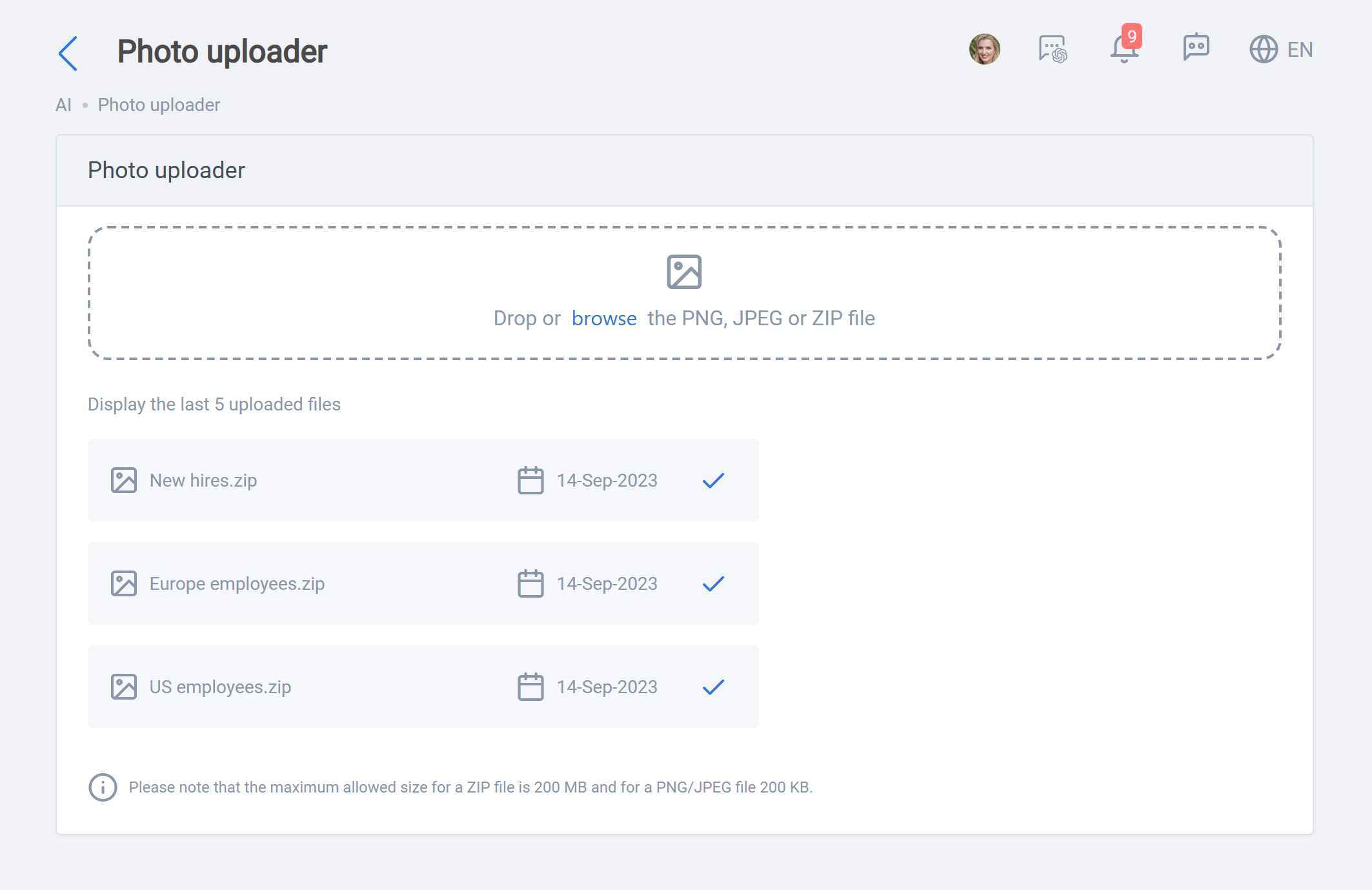
The “Photo Uploader” provides an administrator or admin with a handy tool to upload employees’ personal images to the system. Admins can upload either a single image file (JPEF or PNG) or an archive (ZIP) file that includes many files. It is necessary that the images have the Global Employee Code of the related employee as their file names.
A single image file should be under 200 KB and archive files need to be under 200 MB by default. These limits can be changed in application settings.
Photo uploaded can be reached by opening the side bar >> Data import >> Photo uploader, as seen below: