Getting started: Home page
About Course
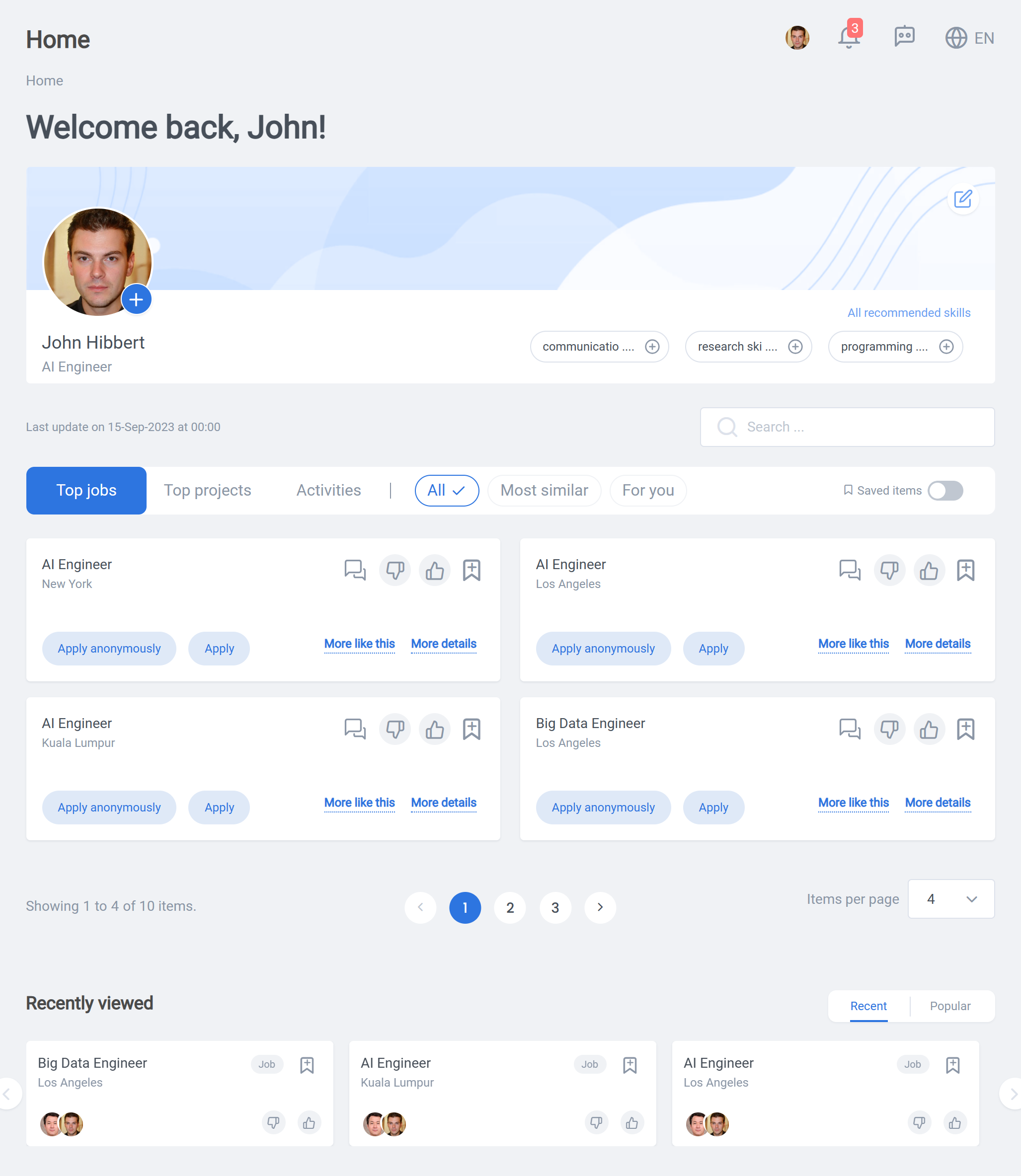
Welcome to the “Home Page” course! In this course, we will take you on a journey through the various sections and features of the home page on our platform. The home page serves as the central hub where you can personalize your profile, customize your skills, and discover relevant opportunities through the powerful recommendation engine.
Personalizing Your Profile:
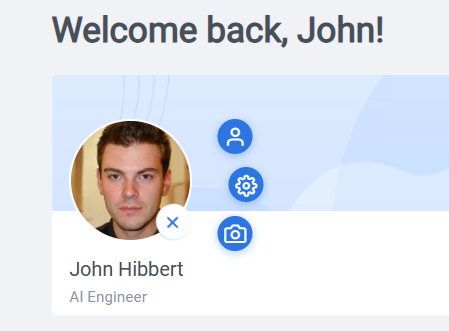
From within the plus sign by your profile photo, you can edit your image, edit notification options as well as edit your profile, which is also accessible from within the toolbar.
Customizing Your Skills
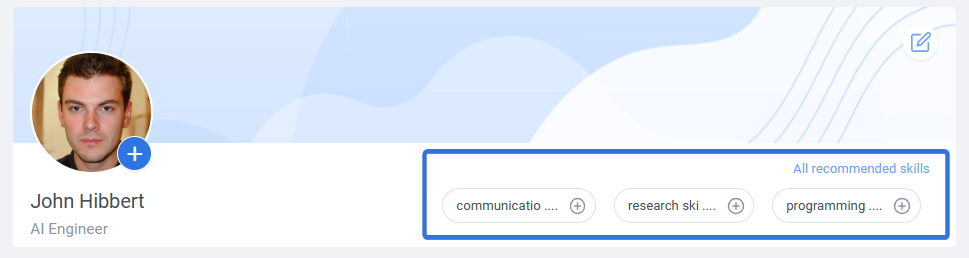
This feature focuses on leveraging your skills to showcase your expertise. You will discover the recommended skills that you can use to personalize and update your currently selected ones. We will guide you through the process of selecting relevant skills and provide tips on how to make your profile stand out.
The CX Recommendation Engine
This feature will introduce you to the powerful recommendation engine on the home page. It enables you to find jobs, projects, and activities that match your interests and qualifications. We will explore the most similar algorithm and show you how to interact with the system to refine your recommendation results. Additionally, you will discover how to save your favorite items for future reference.
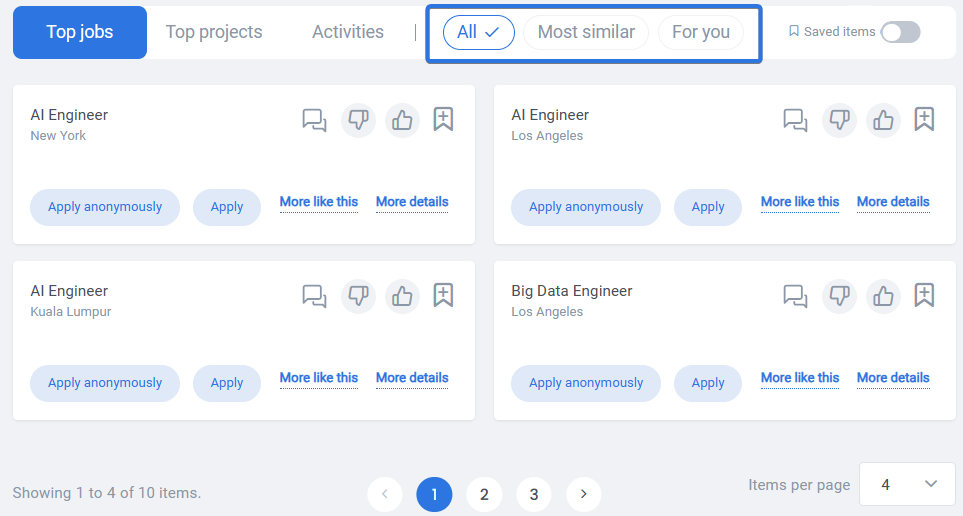
When it comes to recommendations for JPA’s (jobs, projects, activities), you’ll learn how to find positions that align with your skills and interests. The recommendation engine provides two main categories: “Most Similar” and “For You.” The “Most Similar” algorithm utilizes relevance and compatibility with your profile to present job recommendations that closely match your qualifications. This ensures that you are presented with job opportunities that are most suitable for you. In the “For You” section, you will discover personalized job recommendations tailored to your preferences and previous engagements with the site. “All” section will provide a mixture of the two previously explained sections.
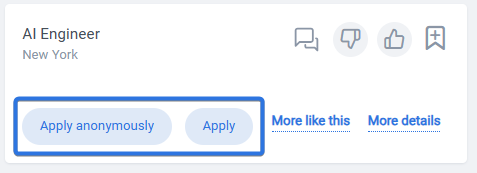
Applying for jobs is made easy through the recommendation engine. You can directly express your interest in specific positions by submitting your application right from the recommendation results. Additionally, you have the option to apply anonymously, allowing you to maintain your privacy while still showcasing your qualifications to potential employers.
In addition to applying for jobs, you can provide valuable feedback on your experience and interest through the “Like” or “Dislike” buttons. Your feedback helps to improve recommendations and ensure that future job suggestions align better with your preferences and requirements.

Similar to job recommendations, the engine also enables you to explore projects and activities within the platform. You can find exciting project opportunities aligned with your expertise and interests. The engine provides project recommendations through the “Most Similar” and “For You” sections, similar to the job recommendation functionality. You can apply for projects and activities:

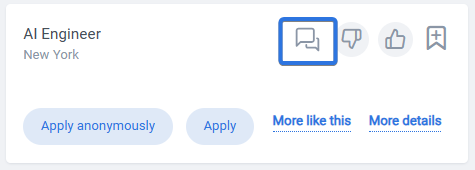
Here you can engage in conversations with JPA (job, project, and activity) owners through the chat feature to discuss project details, ask questions, and express your interest in participating:
You can also see your recently viewed JPA’s (jobs, projects, activities) at the bottom of the page:

In summary, the engine on the home page empowers you to explore a variety of opportunities in jobs, projects, and activities. You can apply for these directly from the home page results, engage in conversations with hiring managers, project owners, and activity organizers, and provide valuable feedback through the “Like” or “Dislike” options. Get ready to embark on a journey of discovery as you leverage the recommendation engine to find the perfect opportunities within our platform.