Localization: Edit translations
About Course
In the Localization section, the Superadmin can edit the translations for the entire system and this change will take effect immediately once saved.
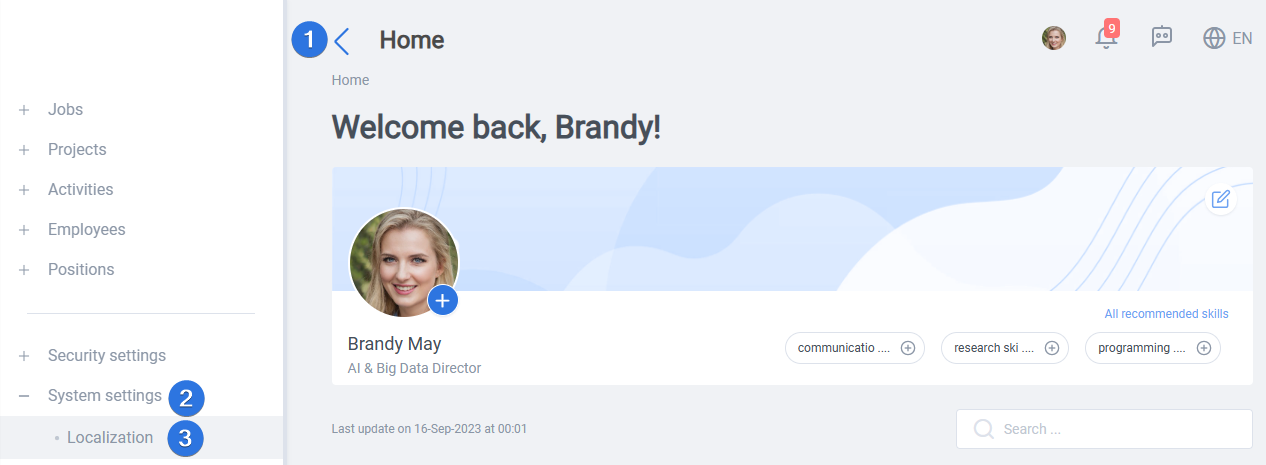
It can be accessed by opening the side bar >> System settings >> Localization, as seen below:
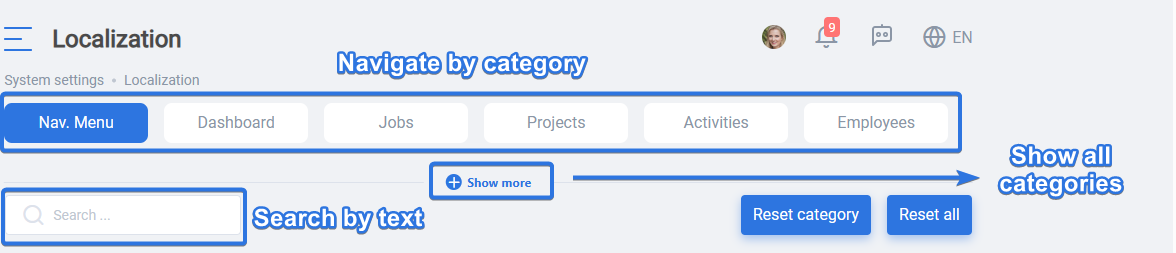
There are two options to find a desired text to edit its translation:
- Navigate through the categories
- Use the search field to search for a text
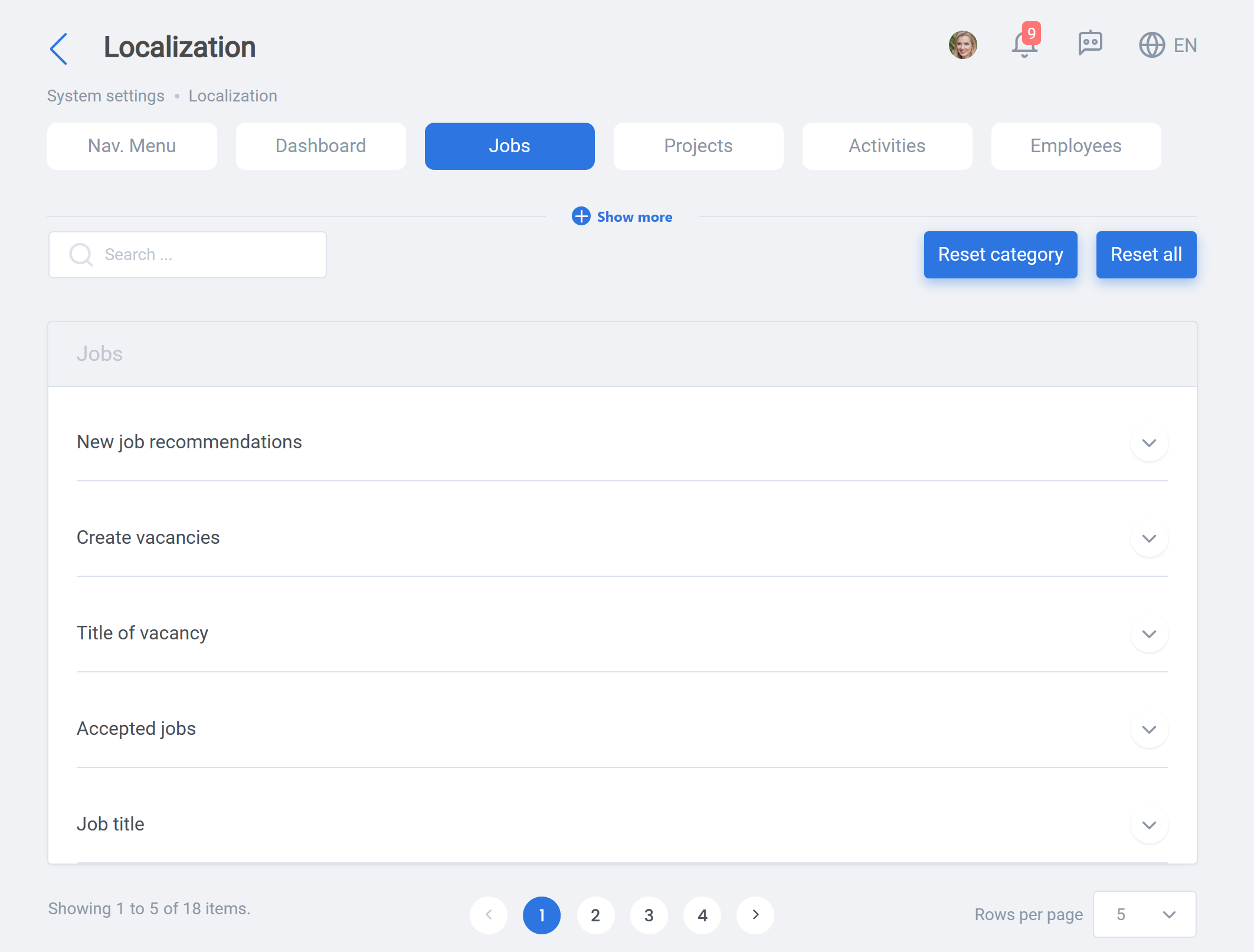
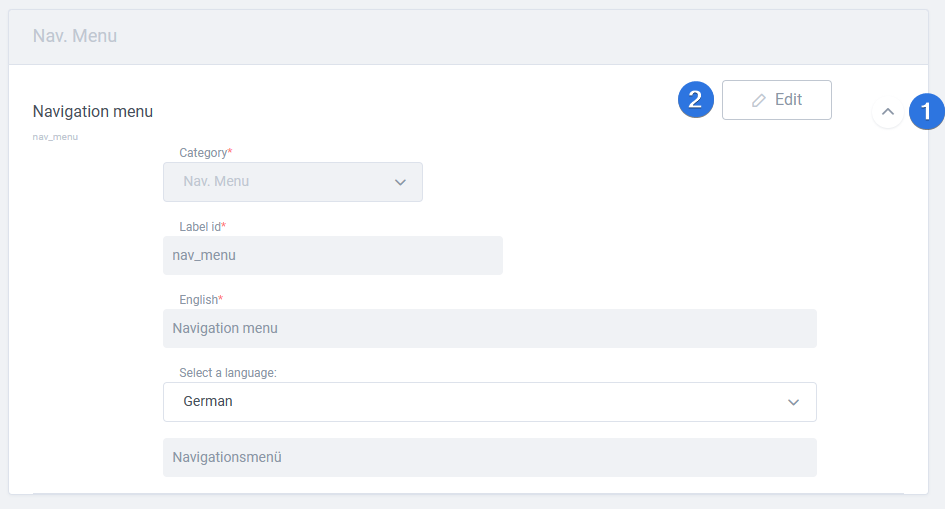
Once your target text is found, click the arrow down on its right side and press “Edit” to change its translation in your company.
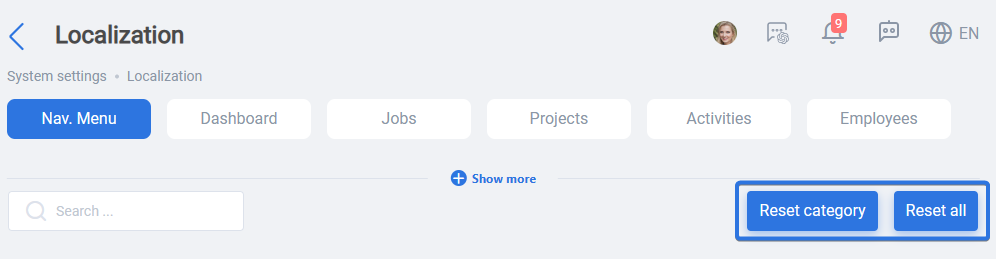
Localization has its own default for languages. An Admin can choose to reset all localization with “Reset all” or just a single category by selecting a category and clicking “Reset category” button as shown here: