Getting started: Walk-throughs
About Course
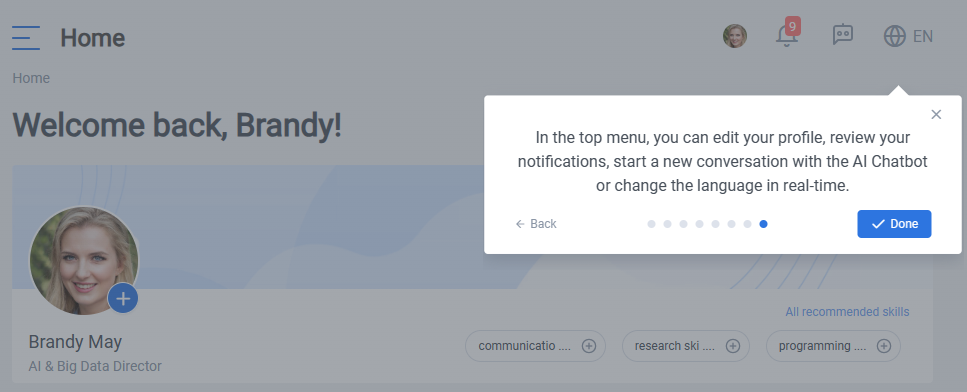
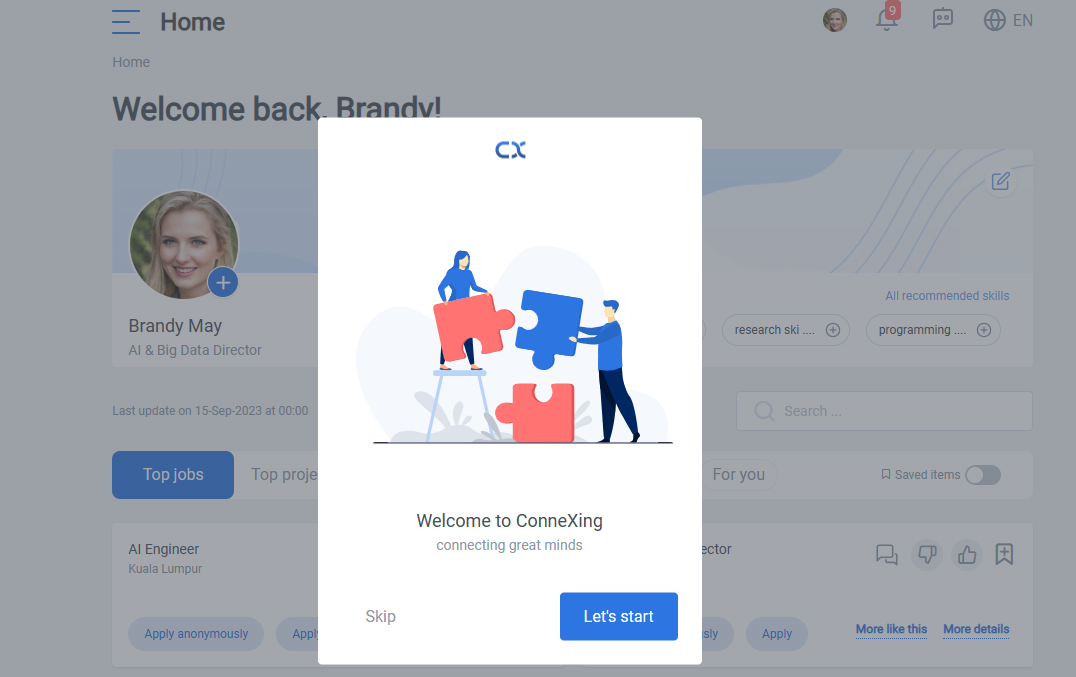
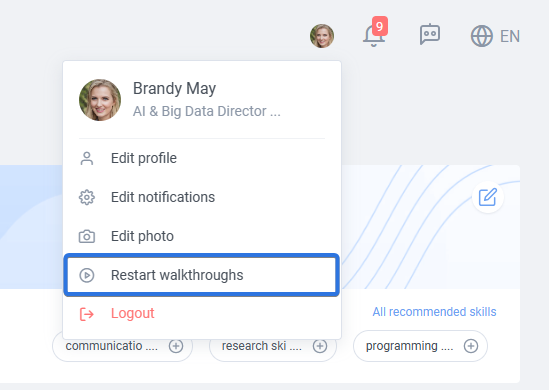
Walk-throughs will guide you through the main parts of the system, let’s review walk-throughs together. In any time you can reset walk-throughs from within the home page, click on your profile button on up right corner:
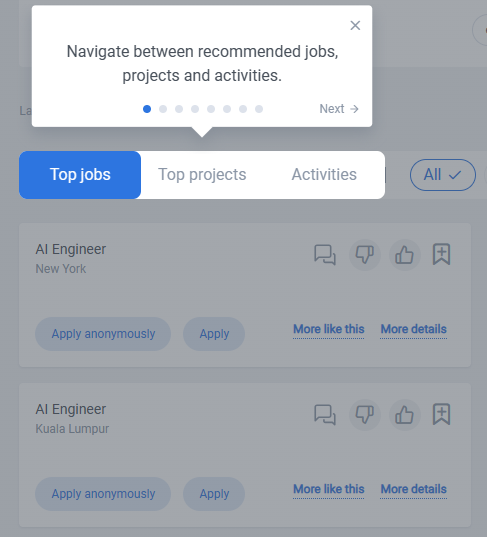
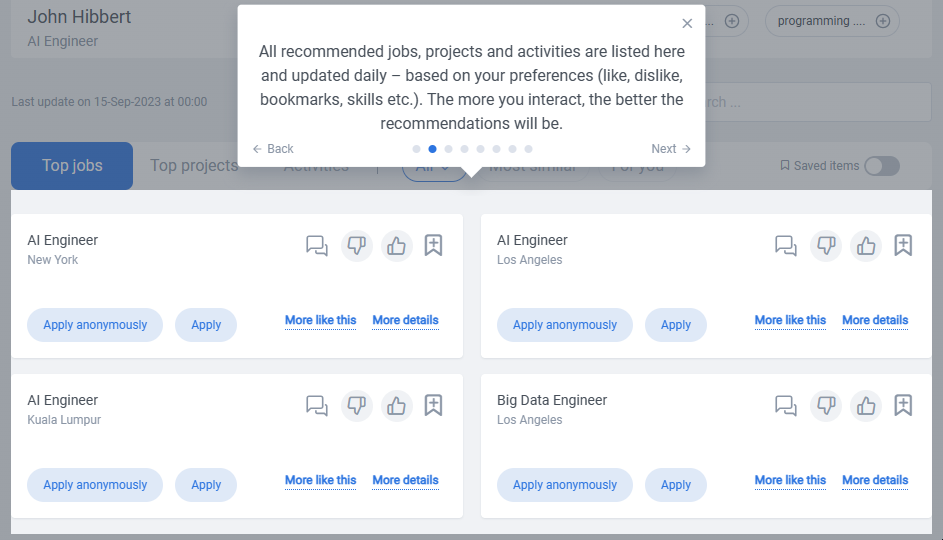
Here are the JPAs (jobs, projects, activities) which are suggested from AI side:
All recommendations are updated daily and are based on your current position information, professional skills, and your preferences:
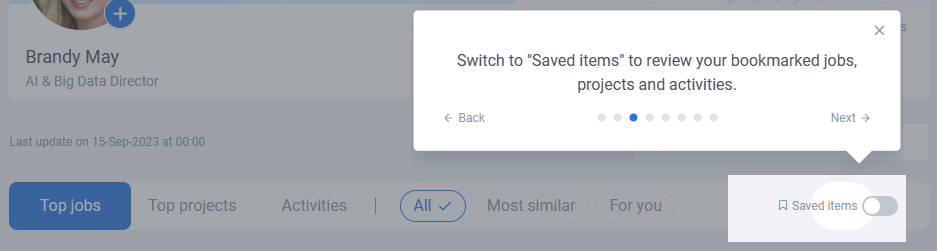
you can always access your saved items easily by switching to “Saved items”:
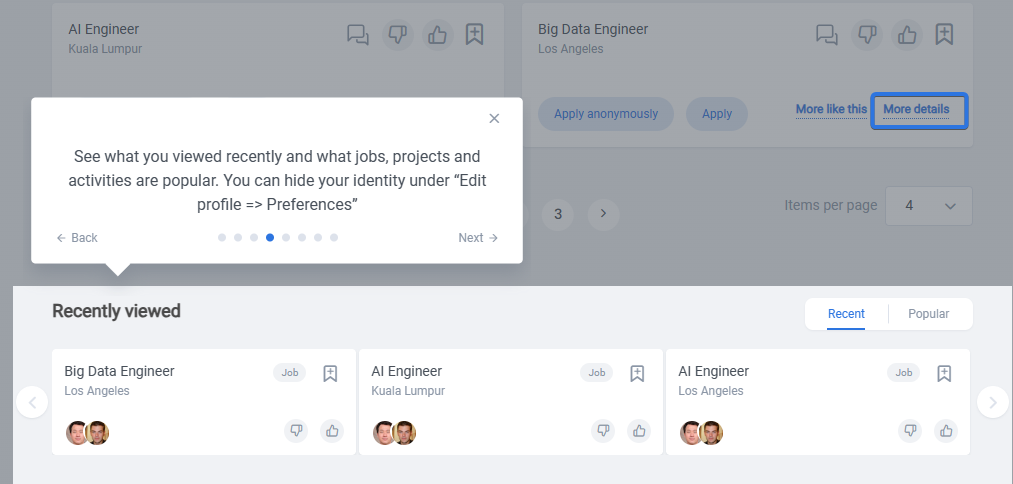
If you click on “More details” button of a JPA (jobs, projects, activities) recommendation card, it will be shown on your Recently viewed items as you can see below:
Home page, ICP (Internal Communication Platform), and Dashboard are three main pages you will need to check your new recommendations, internal massages, and your status, respectively.

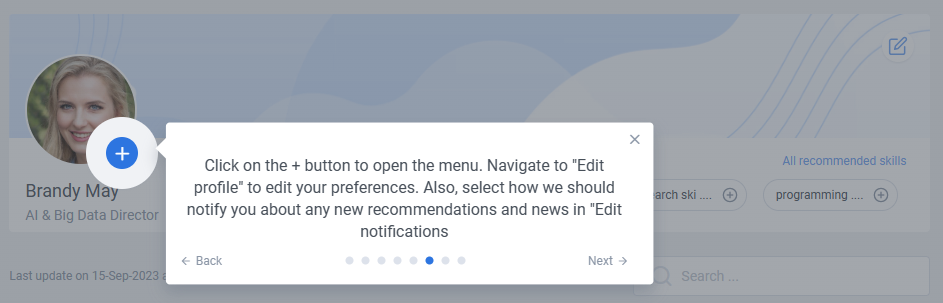
By clicking on plus sign on your personal image, you will be able to edit the image, your notifications and your profile:
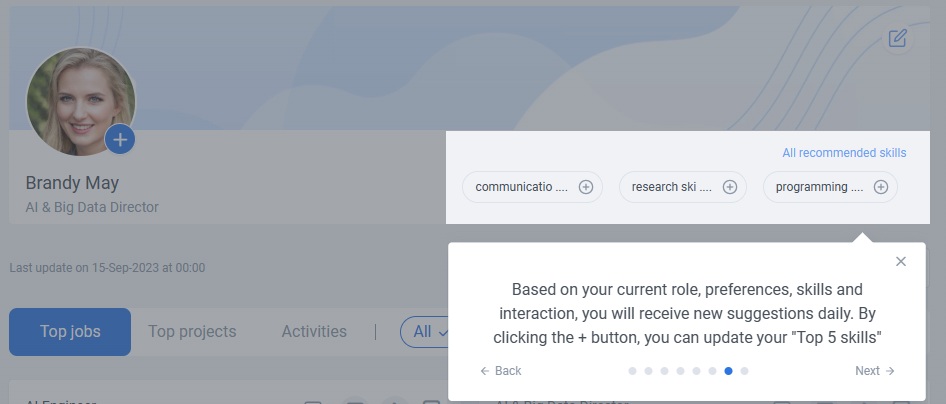
Here by an interesting algorithm, we will find most suitable skill recommendations for you:
language will change in an instant after changing it. You can check it out here: