Projects: View Projects
About Course
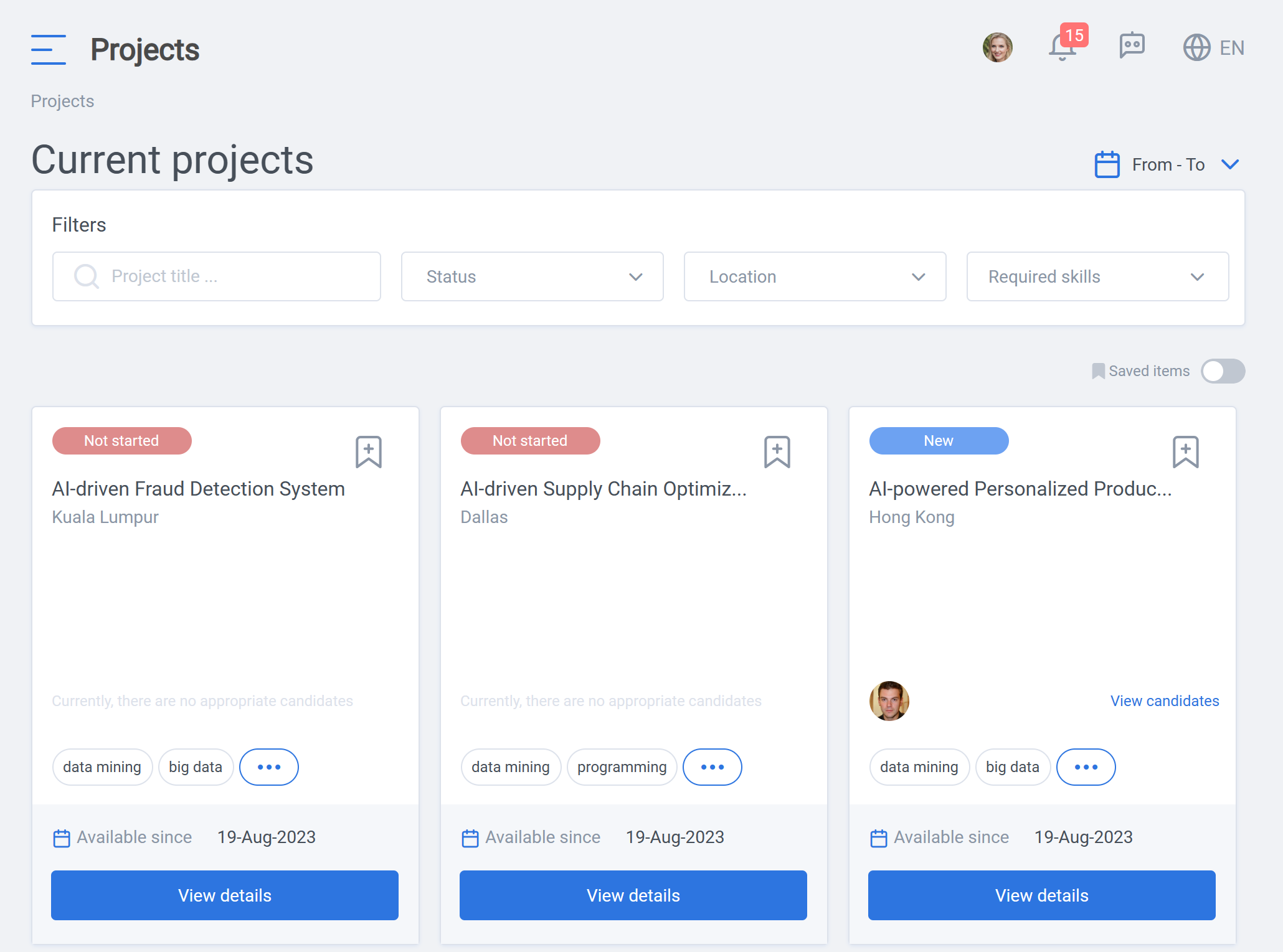
The “Projects” tab shows all of the current available projects.
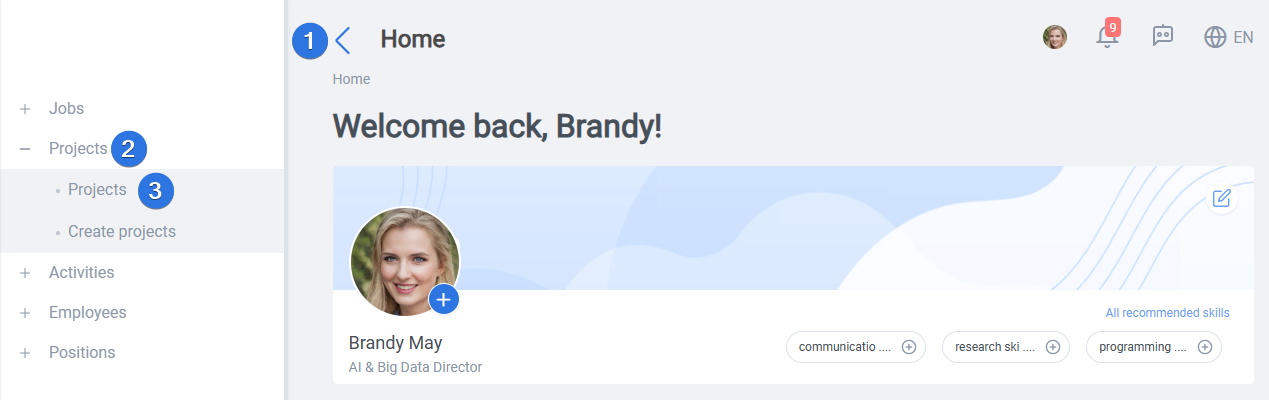
It can be accessed by opening the side bar >> Projects>> Projects as seen below:
In order to get a better overview, it is possible to use the filters “Project title”, “Status”, “Location” and “Required skills” as well as the “From-To” dates.

All projects are listed in this section. Using the bookmark, it is possible to save items and furthermore, the required skills are shown for a better overview. List of all required skills can be seen by clicking on the three dots.
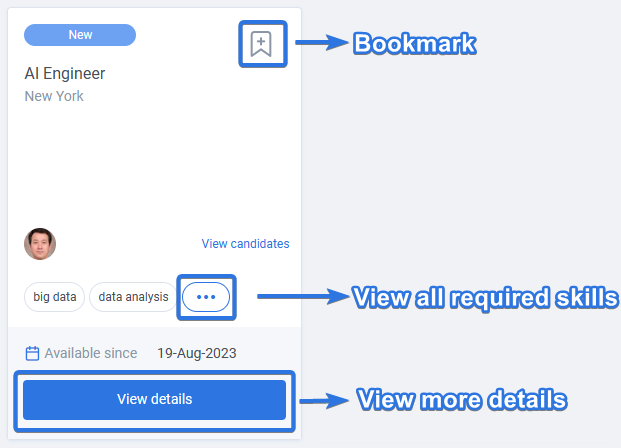
Clicking on the “View details” button reveals more information about the project.