Security settings: ACL
About Course
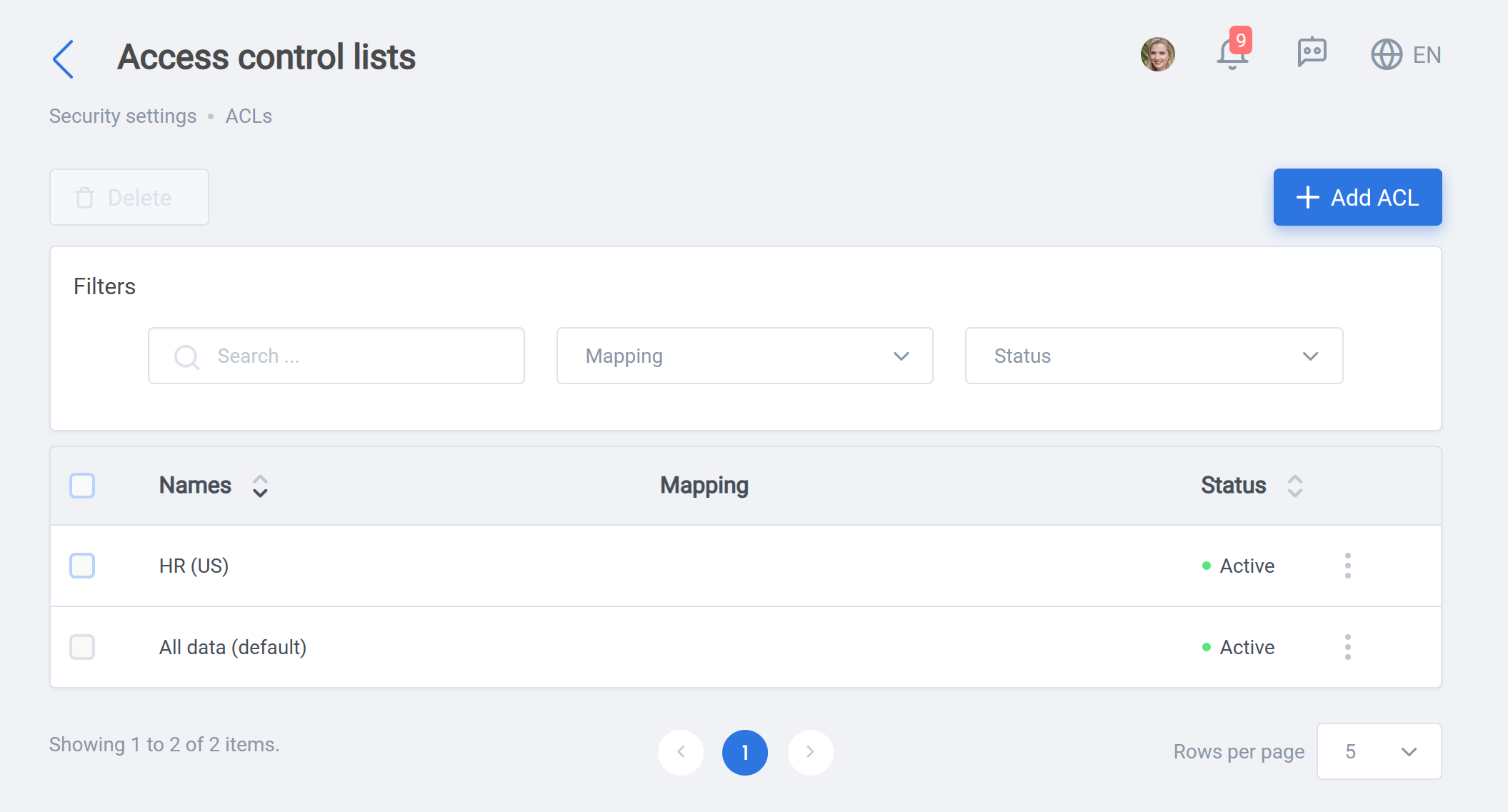
Access control lists (ACL) is an handy tool for data access control of employees and can be used in creating security profiles.
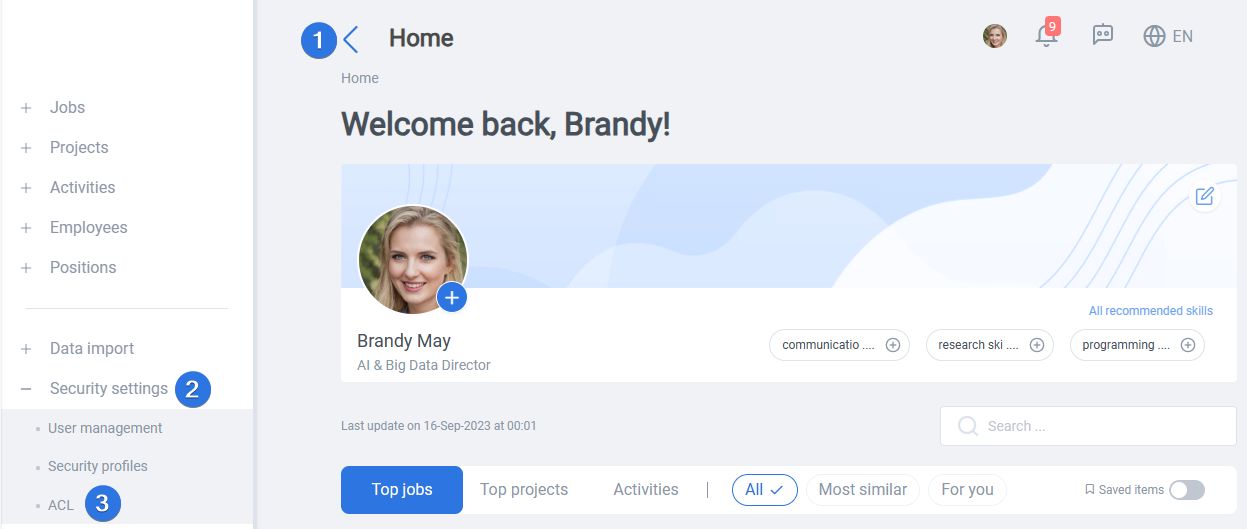
It can be accessed by opening the side bar >> Security settings >> ACL, as seen below:
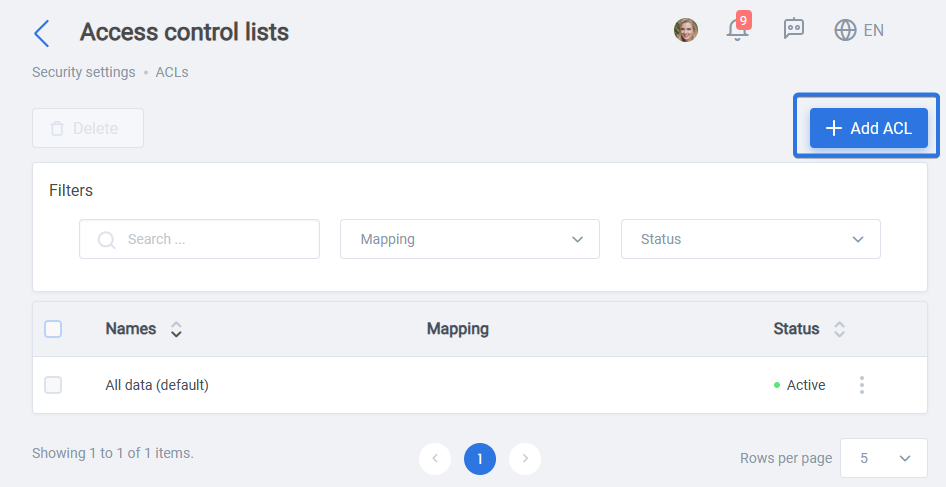
By clicking “Add ACL” button, new ACL items can be added:
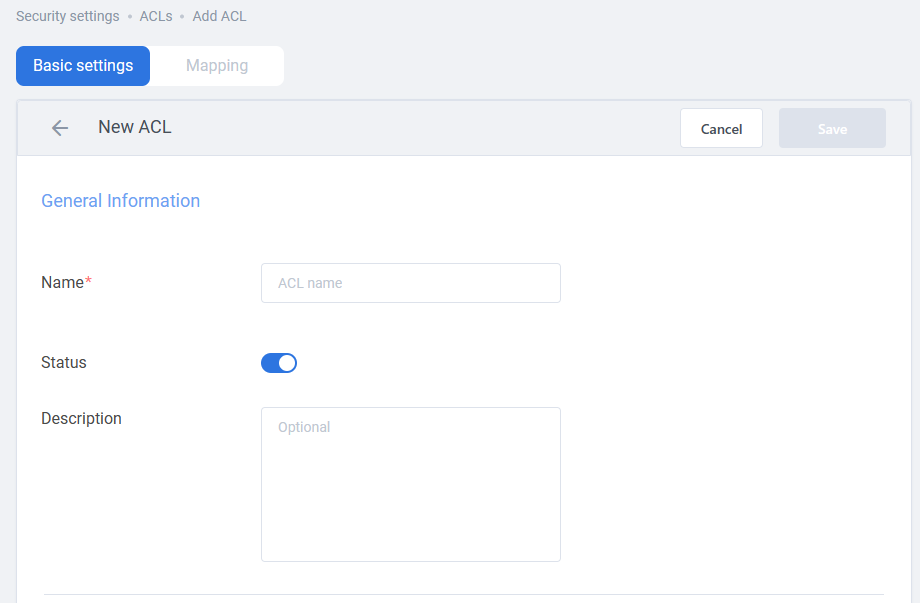
In the “New ACL” page, the “General information” includes:
- Name: The name of the new ACL, which ACL will appear by in security profiles.
- Status: The switch will decides if ACL should appear in security profile.
- Description: Optional description of the security profile
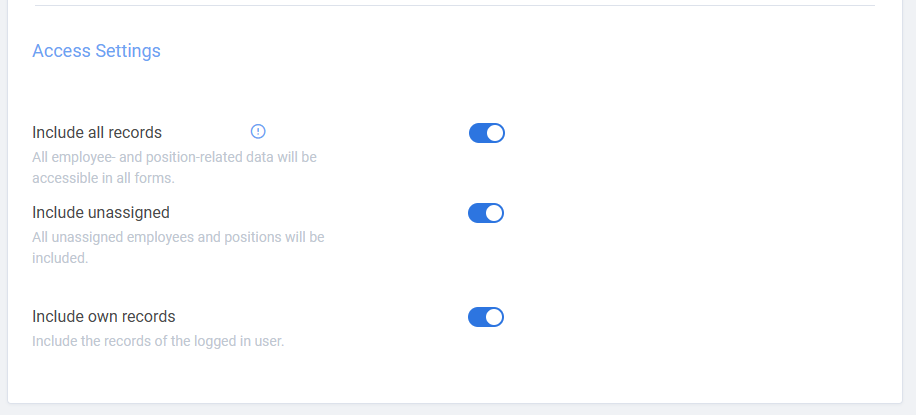
The “Access setting” includes switches for general access settings. More detailed access setting can be set on “Mapping” tab, once the base ACL is saved.
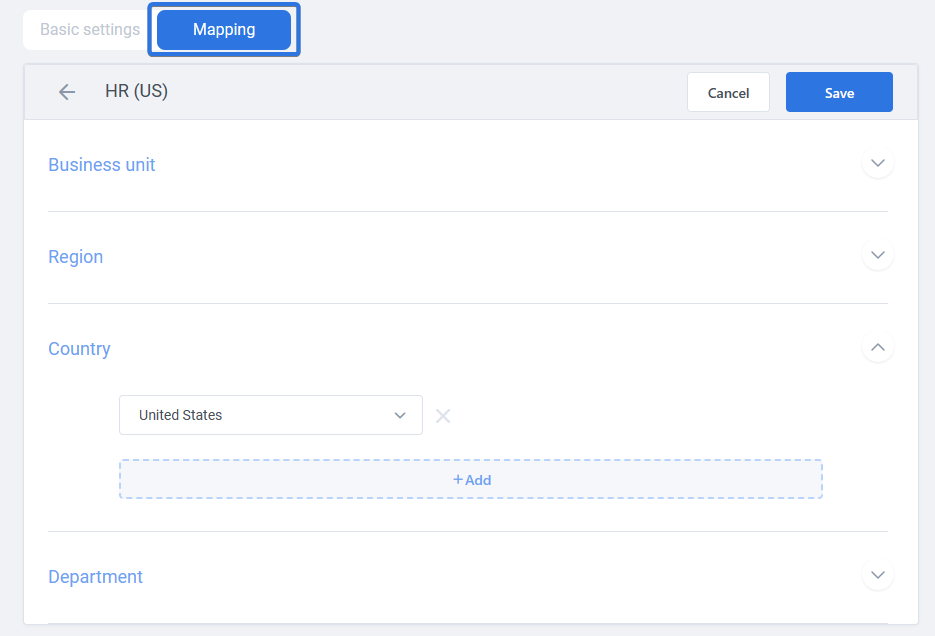
Once saved, it is possible to go to “Mapping” tab to set access according to Business unit, Region, Country, and Department and after saving ACL you can use it in Security profiles: