Getting started: Manager Self Service (MSS) Home page
About Course
Welcome to the “Manager Self Service (MSS) Home Page” course! This course will teach you the basics of traversing through home page if you are a user with these security profiles:
- Manager self service
- HR Admin
- Superadmin
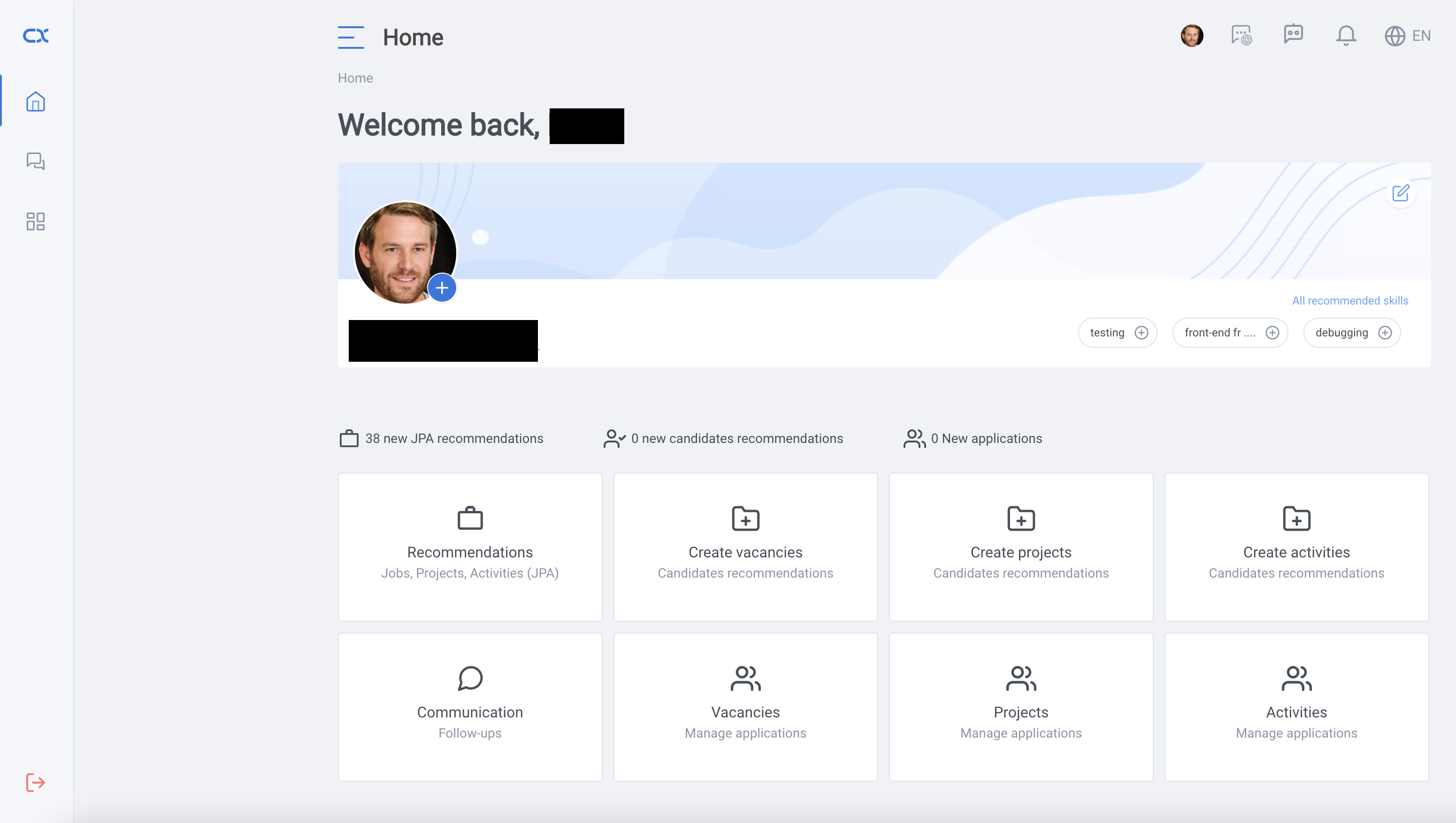
If your security profile is one of the above, then the home page should look like this
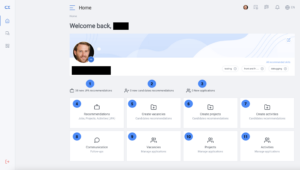
There are lots of options in order to navigate. Here is the detailed breakdown:
- Number of all new jobs, projects, and activities recommendation.
- Number of all new candidates for jobs, projects, and activities for which the current user is responsible.
- Number of new applicant for which the current user is responsible.
- Redirection to the employee homepage
- Redirection to the create jobs page
- Redirection to the create projects page
- Redirection to the create activities page
- Redirection to the internal communication platform (ICP) page
- Redirection to the jobs application page
- Redirection to the projects application page
- Redirection to the activities application page